What is Circuit Designer?
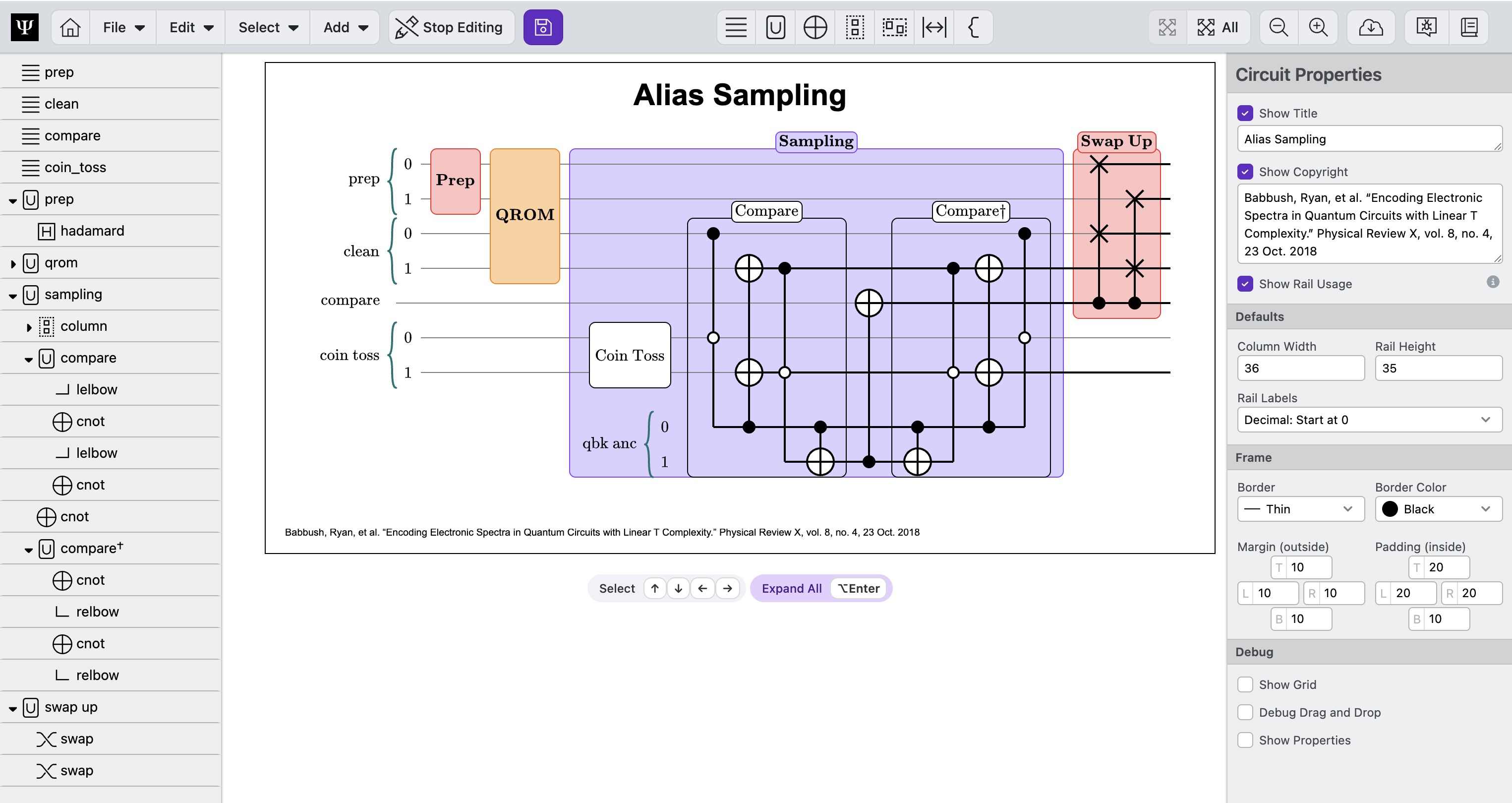
Circuit Designer is an intuitive tool to easily explore fault tolerant quantum algorithm ideas and create publication-quality quantum computing circuit diagrams. Circuit Designer allows you to effortlessly drag, drop, group, and arrange quantum circuit elements on an infinitely expandable canvas.
Key Features
Circuit Designer is designed for fault tolerant quantum algorithms which are often very large and structured into a hierarchy of sub-routines.
-
Interactive: Diagrams are not just pretty pictures, but interactive demonstrations of an algorithm's construction. Viewers can look at an algorithm's high-level structure or telescope deep into an algorithm's sub-routines to understand their function.
-
Fast: Seamlessly add hundreds of gates without performance issues or slowdown. Quickly sketch circuits by simply dragging and dropping gates, registers, and other components onto your canvas. Easily organize gates into collapsible routines for better clarity and modularity.
-
Familiar: Clearly label circuit elements using familiar LaTeX notation for consistent and professional documentation.
-
Integrated: Works with Workbench ⧉, PsiQuantum's open source package for creating fault tolerant quantum algorithms. Circuits created in Workbench can be easily viewed in Circuit Designer. Workbench's Visualizer module also supports viewing Circuit Designer files directly in Jupyter notebooks.
-
Open: Available for free as an open access web app or as a Jupyter notebook component in PsiQuantum's Workbench. Circuit Designer's file format is available as an open reference, allowing other quantum packages to also create compatiable circuit diagrams.
Next Step
- Getting Started – Learn the basics of Circuit Designer